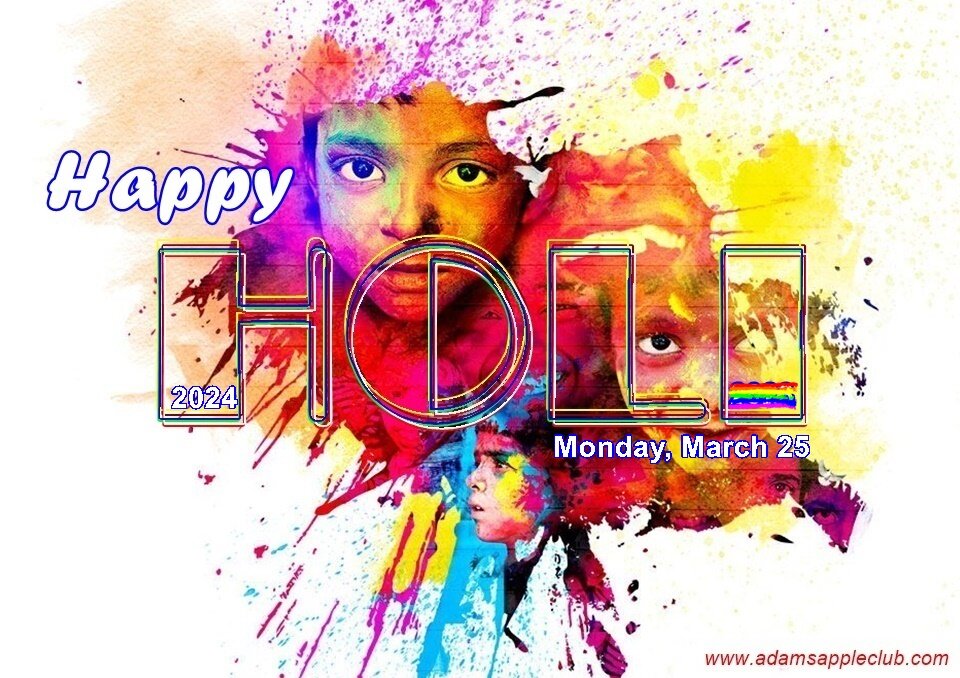
Happy HOLI 2024
aa.thumb.png.77d1790d24100e0fec7aa3698a3407c3.png)
Event created by Fred Joos
This year Holi 2024, the festival of colors falls on March 25, 2024.
Millions of Indians are celebrating Holi - the festival of colors - at home and around the world.
Holi will be celebrated on March 25 with colours, gulal etc at the crack of dawn. On this day, people lovingly smear colour on the faces of their friends and family members. At home, delicacies like gujiya, malpua, puranpoli and the refreshing thandai is prepared.
The festival which marks the last full-moon day of the lunar month celebrates the beginning of spring and the victory of good over evil.
Holi also known as the Festival of Colors, Festival of Spring, and Festival of Love, is one of the most popular and significant festivals in Hinduism. It celebrates the eternal and divine love of the god Radha and Krishna.
People celebrate this day by smearing bright colors on friends and family, offering prayers and burning a bonfire to symbolically destroy the bad so that the good can triumph.
Holi celebrates the arrival of Spring in India, the end of winter, and the blossoming of love, and for many, it is a festive day to meet others, play and laugh, forget and forgive, and repair broken relationships.
We wish all our friends from India Happy HOLI 2024
- Jens and Marc in Calif
-
 2
2