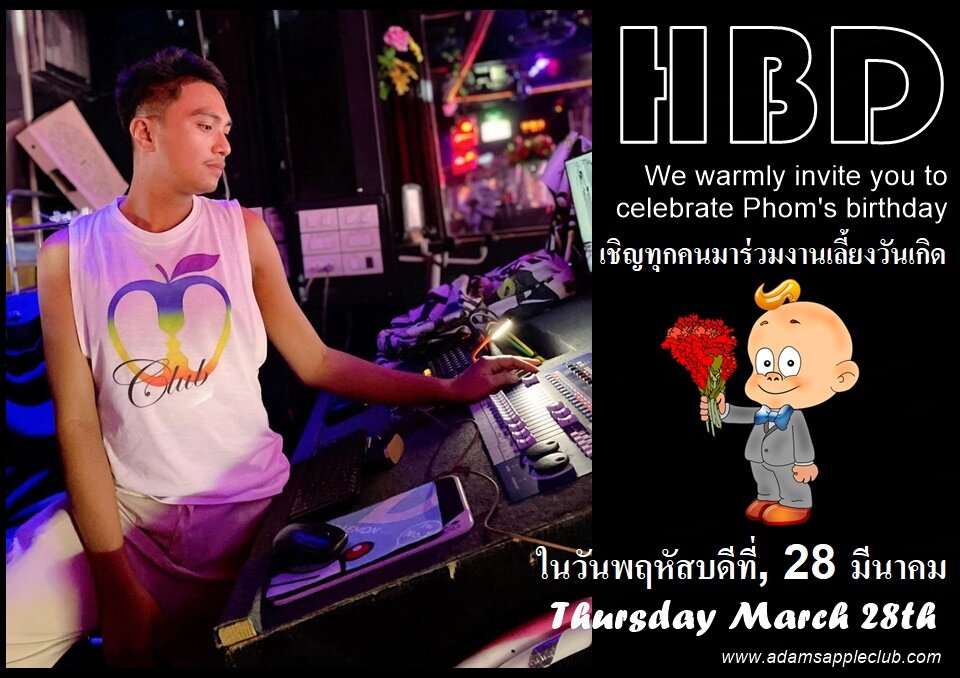
HBD Party DJ Mr. Phom
aa.thumb.png.77d1790d24100e0fec7aa3698a3407c3.png)
Event created by Fred Joos
Happy Birthday Party Mr. Phom
… Thursday, March 28, 2024 Adams Apple Club
Start 9:00 PM + Free Entry
เชิญทุกคนมาร่วมงานเลี้ยงวันเกิด
ในวันพฤหัสบดีที่, 28 มีนาคม 2024
We warmly invite you to celebrate Phom's birthday
We, the Adams Apple Club team and all of our friends around the world who know us, wish our birthday child Mr. Phom all the best and love from the bottom of our hearts. May all his wishes and hopes come true in this new year of life.
Thank you Khun Phom for your tireless and always positive commitment to our small, loving venue. But above all, you stood by our side in difficult times, you never gave up hope and you motivate us every day to keep going and look forward. You lovingly look after our guests and our boy’s day after day, for which we thank you from the bottom of our hearts.
We would be delighted if you would join us in celebrating the birthday of Mr. Phom, our Adams Apple Club DJ, on Thursday, March 28, 2024.
Special shows await you and some surprises on this special day.
HAPPY BIRTHDAY Mr. Phom!
