Skip to content
View in the app

A better way to browse. Learn more.

Gay Guides Forum

A full-screen app on your home screen with push notifications, badges and more.

To install this app on iOS and iPadOS
  1. Tap the Share icon in Safari
  2. Scroll the menu and tap Add to Home Screen.
  3. Tap Add in the top-right corner.
To install this app on Android
  1. Tap the 3-dot menu (⋮) in the top-right corner of the browser.
  2. Tap Add to Home screen or Install app.
  3. Confirm by tapping Install.

33rd Anniversary Adam's Apple Club

Happy 33rd Anniversary Adam's Apple Club Chiang Mai!

On Wednesday May 15th we celebrate our 33rd anniversary. Adam's Apple Club is turning 33 and we would love for you to celebrate this special anniversary with us. We are looking forward to your visit!

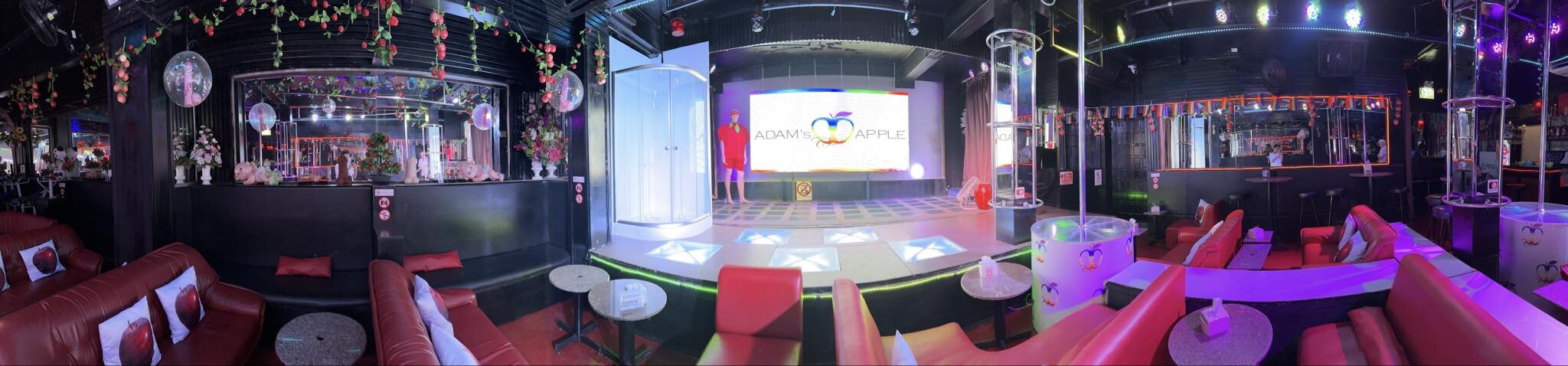
We warmly invite you all to visit us in our cosmopolitan event location in Chiang Mai. We open our doors every evening at 9 p.m. and have a show ready for you every evening that starts at 10 p.m. A colorful show that you will love and that will give you a lot of joy.

Of course, we don't charge an entrance fee and we warmly welcome everyone. Be ready for an evening full of surprises, love and fantasy. An evening in the beautiful city of Chiang Mai, which has so much variety for everyone and that you can look forward to.


Amazing shows for the 33rd anniversary of Adams Apple Club Chiang Mai.jpg

Doctor and Soldier Show Adams Apple Nightclub a.jpg

Happy 33rd anniversary 2024 Adams Apple Nightclub Chiang Mai b.jpg

Leopard and Tiger Show Adams Apple Nightclub.jpg

Men in Black and Construction Worker Show Adams Apple Nightclub.jpg

Mexican Boys Show Adams Apple Nightclub a.jpg

Muay Thai Boxer and Spiderman Show Adams Apple Nightclub a.jpg

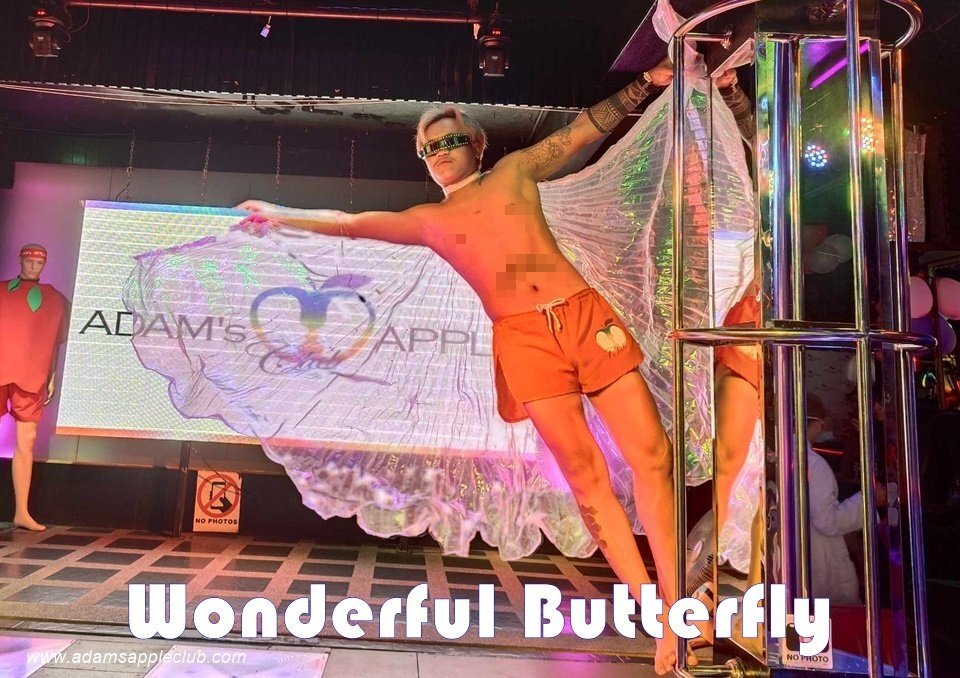
Wonderful Butterfly Show Adams Apple Nightclub b.jpg

Recommended Comments

There are no comments to display.

Account

Navigation

Search

Search

Configure browser push notifications

Chrome (Android)
  1. Tap the lock icon next to the address bar.
  2. Tap Permissions → Notifications.
  3. Adjust your preference.
Chrome (Desktop)
  1. Click the padlock icon in the address bar.
  2. Select Site settings.
  3. Find Notifications and adjust your preference.