Independence Day USA 2024
aa.thumb.png.77d1790d24100e0fec7aa3698a3407c3.png)
Event created by Fred Joos
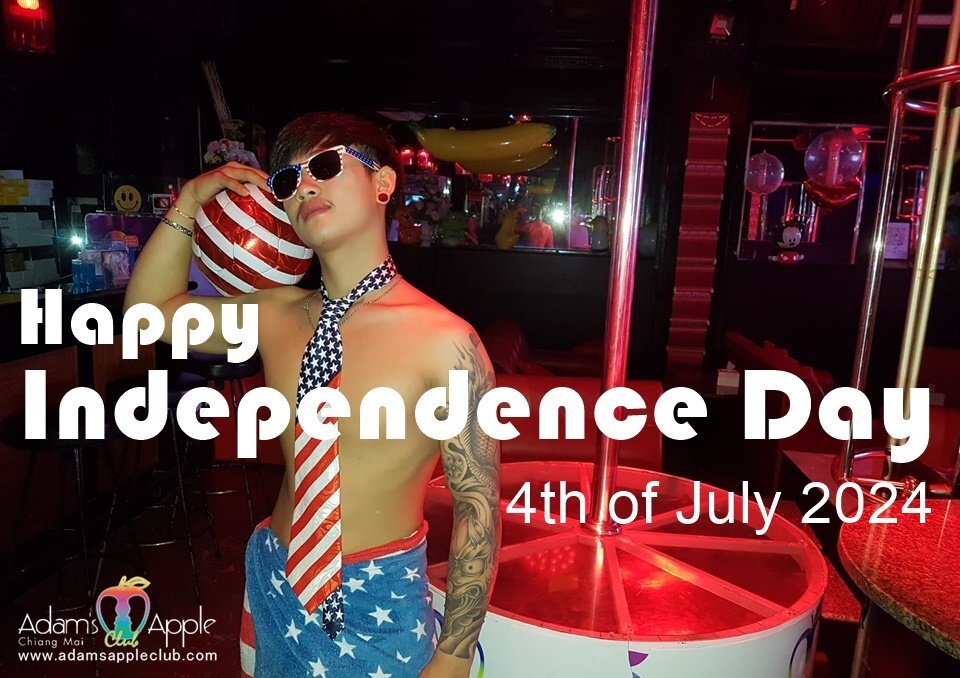
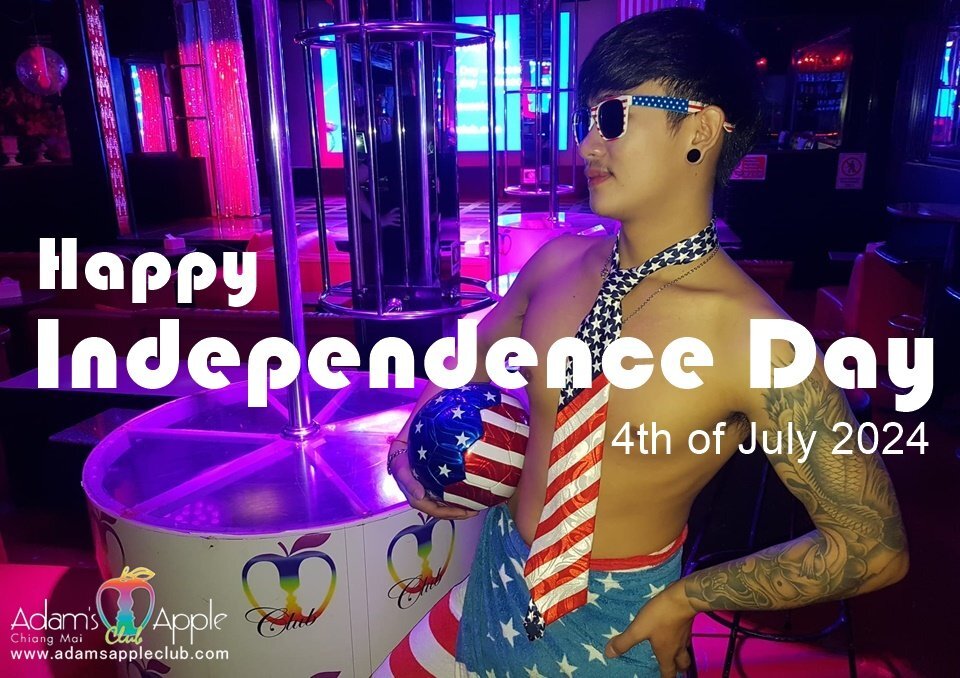
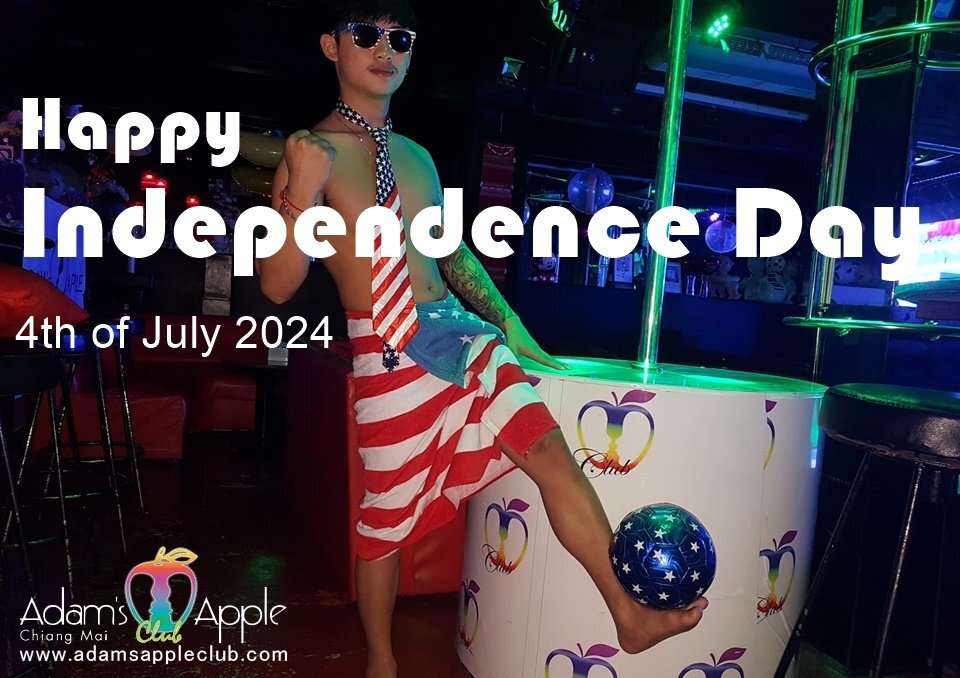
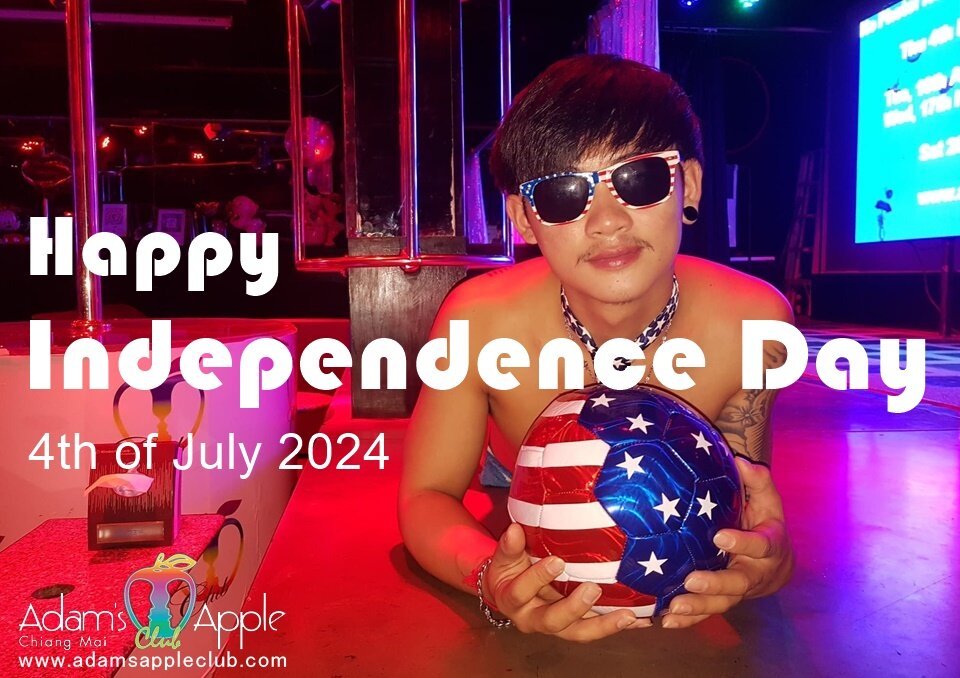
Happy Independence Day USA 2024
We wish all our American friends a happy Independence Day on July 4, 2024
Independence Day is a federal holiday in the United States commemorating the Declaration of Independence of the United States, on July 4, 1776.
From 1776 to the present day, July 4th has been celebrated as the birth of American independence, with festivities ranging from fireworks, parades and concerts to more casual family gatherings and barbecues.
On this special day we will present a special show for you. Join us for a night of glamour, talent, and unforgettable performances that will leave you in awe.
Welcome to Adams Apple Club Cabaret Show, Chiang Mai top attraction and leading ladyboy Show since 1989. For more than 33 years, audiences have been enchanted by our breath-taking shows, top rated performers, world-class costumes, elaborate scenes, and spectacular light and sound.
The Adams Apple Club Cabaret Show is a world-renowned performance held in Chiang Mai, and it's a great fun way to experience a unique part of the city's culture.
Happy Independence Day 2024!