Skip to content
View in the app

A better way to browse. Learn more.

Gay Guides Forum

A full-screen app on your home screen with push notifications, badges and more.

To install this app on iOS and iPadOS
  1. Tap the Share icon in Safari
  2. Scroll the menu and tap Add to Home Screen.
  3. Tap Add in the top-right corner.
To install this app on Android
  1. Tap the 3-dot menu (⋮) in the top-right corner of the browser.
  2. Tap Add to Home screen or Install app.
  3. Confirm by tapping Install.

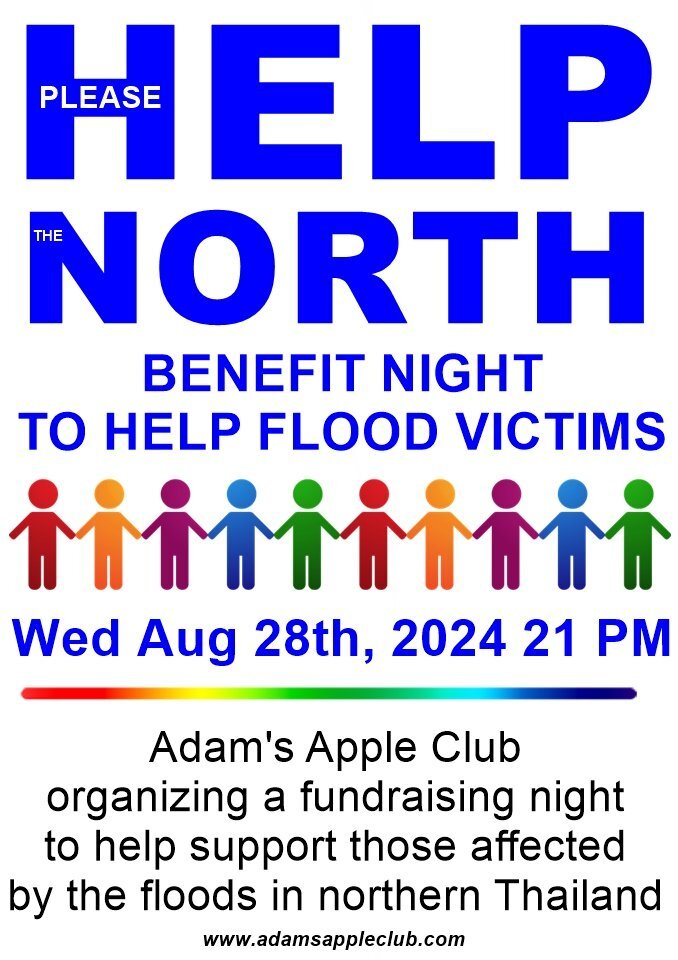
HELP the NORTH

Adam's Apple Club organizing a fundraising night to help support those affected by the floods in northern Thailand

Adam's Apple Club is hosting a benefit evening next Wednesday, August 28th, with proceeds raised to help our brothers and sisters currently affected by flooding in many northern provinces.

As a person from the North, we would like to send our heartfelt support to everyone who is suffering from this flood.

We hope that with our modest help we can help the people in the affected regions a little.

Adam's Apple Club would like to encourage all people suffering from this flood. You can also donate directly to our nightclub.

All proceeds from the evening will be donated to various civil society networks in Chiang Rai, Phayao, Phrae and Nan provinces
Help the NORTH August 2024 a.jpg

Recommended Comments

There are no comments to display.

Account

Navigation

Search

Search

Configure browser push notifications

Chrome (Android)
  1. Tap the lock icon next to the address bar.
  2. Tap Permissions → Notifications.
  3. Adjust your preference.
Chrome (Desktop)
  1. Click the padlock icon in the address bar.
  2. Select Site settings.
  3. Find Notifications and adjust your preference.