Skip to content
View in the app

A better way to browse. Learn more.

Gay Guides Forum

A full-screen app on your home screen with push notifications, badges and more.

To install this app on iOS and iPadOS
  1. Tap the Share icon in Safari
  2. Scroll the menu and tap Add to Home Screen.
  3. Tap Add in the top-right corner.
To install this app on Android
  1. Tap the 3-dot menu (⋮) in the top-right corner of the browser.
  2. Tap Add to Home screen or Install app.
  3. Confirm by tapping Install.

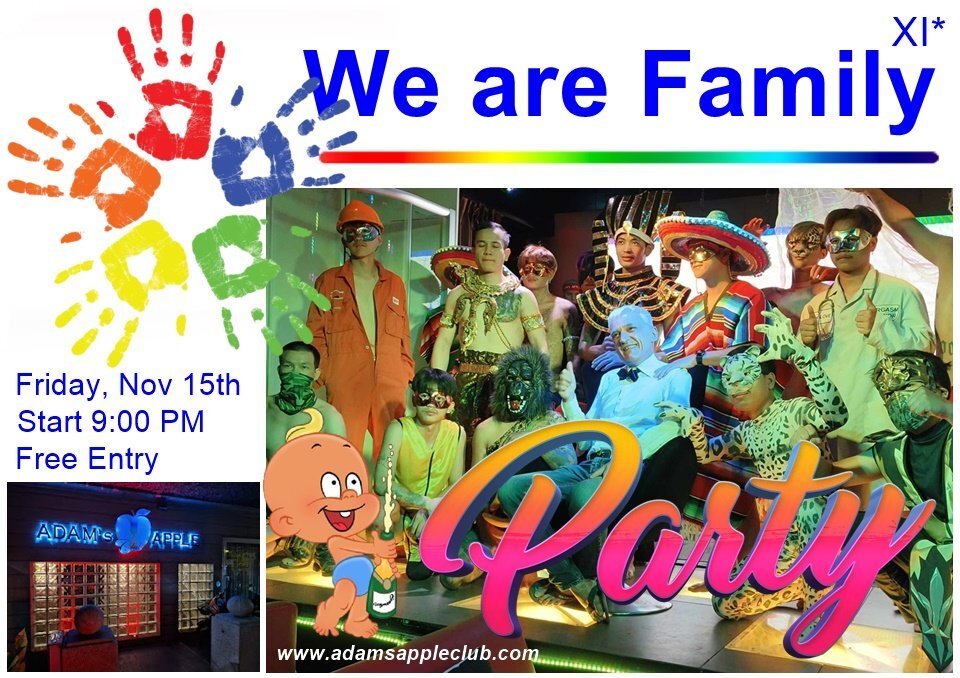
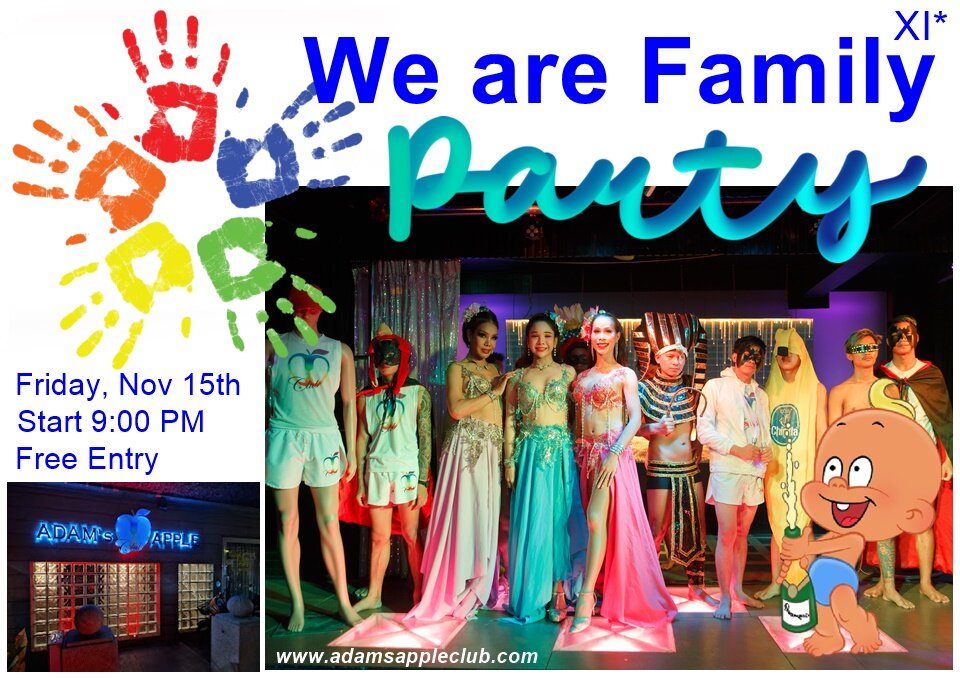
We are Family XI Party

Our next big event is therefore under the motto "We are Family XI". The family party has now become a tradition for 11 years at the Adams Apple Club in Chiang Mai.

On Friday, November 15th, we will celebrate this mega event together with our friends and visitors from all over the world. We warmly invite everyone. Come to us on November 15th at 9 p.m. and become part of the big "Adams Apple Club family". Many surprises await you this evening.

Family is everything - we are convinced of this from the bottom of our hearts. Especially in times like these, it is important to have support in this world, a family where you stick together in good times and in difficult times and can always rely on each other.

We look forward to your visit on November 15th at 9 p.m. Admission is of course free.

15.11.2024 We are Family XI Party Adams Apple Club a.jpg

15.11.2024 We are Family XI Party Adams Apple Club b.jpg

15.11.2024 We are Family XI Party Adams Apple Club c.jpg

Recommended Comments

There are no comments to display.

Account

Navigation

Search

Search

Configure browser push notifications

Chrome (Android)
  1. Tap the lock icon next to the address bar.
  2. Tap Permissions → Notifications.
  3. Adjust your preference.
Chrome (Desktop)
  1. Click the padlock icon in the address bar.
  2. Select Site settings.
  3. Find Notifications and adjust your preference.