World Aids Day 2024
aa.thumb.png.77d1790d24100e0fec7aa3698a3407c3.png)
Event created by Fred Joos
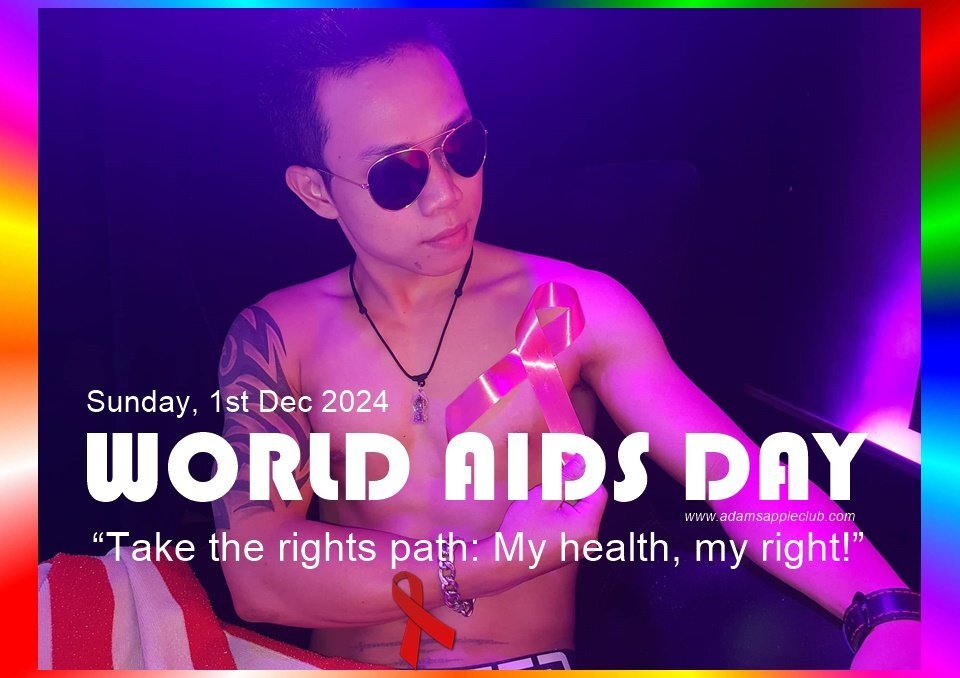
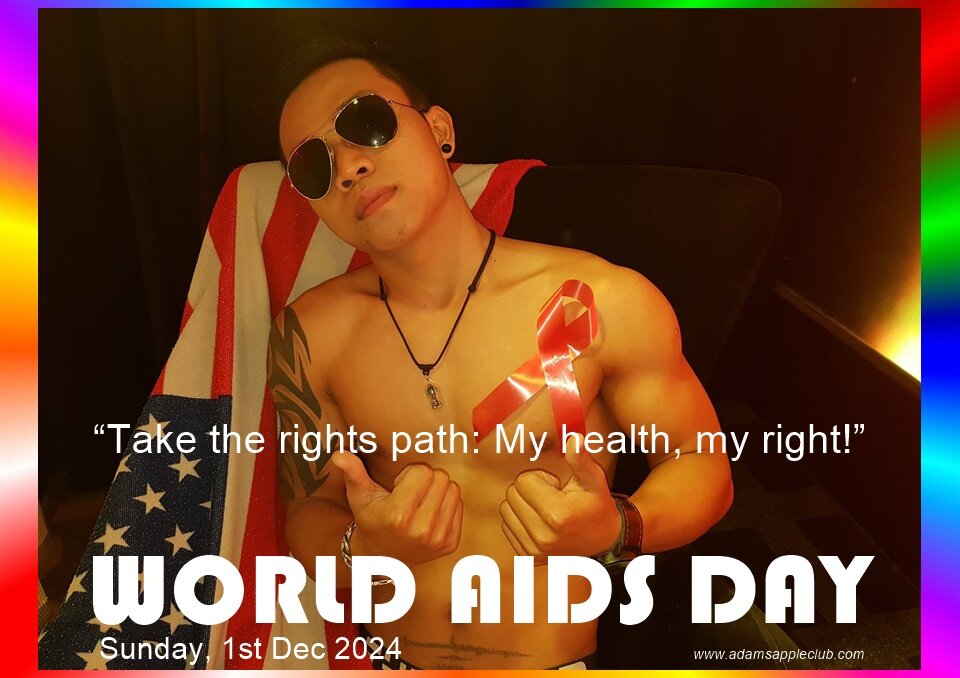
World AIDS DAY 2024 under the theme “Take the rights path: My health, my right!”
The world can end AIDS – if everyone's rights are protected. With human rights at the center, with communities in the lead, the world can end AIDS as a public health threat by 2030.
World AIDS Day highlights the success of worldwide efforts to combat HIV/AIDS, as well as the importance of continued support for these efforts.
World AIDS Day, observed every year on 1 December, stands as a global initiative uniting people worldwide to raise awareness about HIV/AIDS and demonstrate international solidarity in the face of the epidemic.
Adam’s Apple Club Chiang Mai supports the World AIDS Day and dedicates the fight against AIDS to Sunday evening December 1st.
It’s an opportunity for people worldwide to unite in the fight against HIV, to show support for people living with HIV, and to commemorate those who have died from an AIDS-related illness.
Adam’s Apple Club is one of Thailand’s legendary Venue in Chiang Mai support the World AIDS Day.
Most recommended Venue for a Night Out in Chiang Mai Adam’s Apple Club ... hip, trendy and popular Show Bar in the North of Thailand, attracting a mixed clientele of both straight and gay patrons.
Our team look forward to your next visit to the Adams Apple Club in Chiang Mai!