Boxing DAY 2024
aa.thumb.png.77d1790d24100e0fec7aa3698a3407c3.png)
Event created by Fred Joos
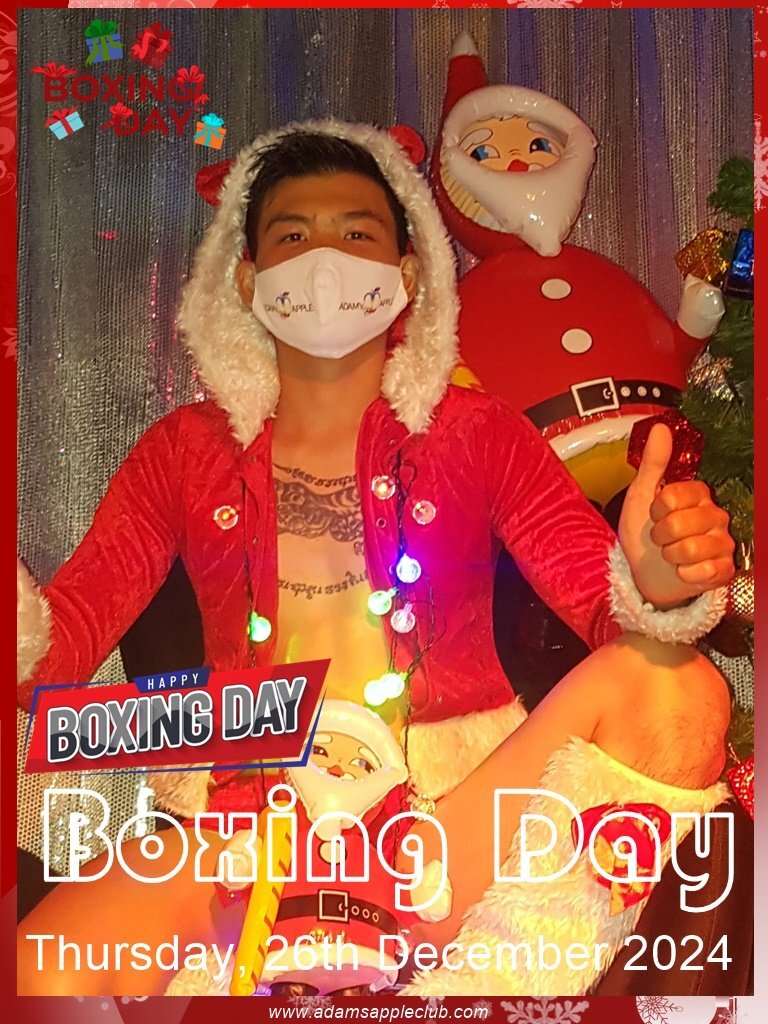
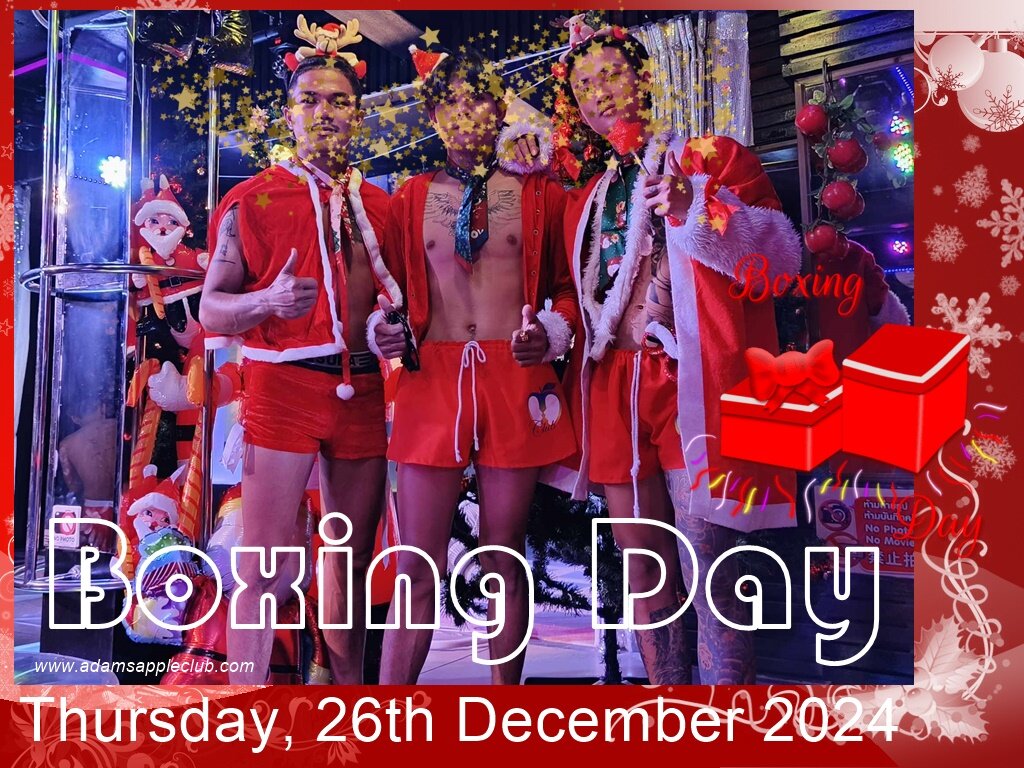
We are pleased to invite you to celebrate with us Boxing DAY, Thursday, 26th December 2024 @ Adam’s Apple Club Chiang Mai.
Our party on Thursday, 26th "Boxing DAY 2024 PARTY” Funny not-so-serious shows for laughs and lots of fun in an unforgettable evening.
Meaning of Boxing Day: This custom is linked to an older British tradition in which the servants of the wealthy were allowed the next day to visit their families since they would have had to serve their masters on Christmas Day. The employers would give each servant a box to take home containing gifts, bonuses, and sometimes leftover food.
The "Boxing DAY 2024 PARTY" will start at 9pm on Thursday, 26th. We look forward to your visit and we promise you that we will offer you an unforgettable evening. Adam’s Apple Club is located on Viangbua Road in Chiang Mai’s Chang Puak district to the north of the city center, just off Chang Puak Road, opposite the former Garden Bar at Lotus Hotel and close to Thanin Market.
Make a reservation and ask for more information:
Telephone: 082 208 8292
LINE ID: adamsappleclub
Email: contact@adamsappleclub.com
LINE Group: Adams Apple Club CNX
We are happy to see YOU at Adam’s Apple Club to celebrate Christmas 2024 with us!