Skip to content
View in the app

A better way to browse. Learn more.

Gay Guides Forum

A full-screen app on your home screen with push notifications, badges and more.

To install this app on iOS and iPadOS
  1. Tap the Share icon in Safari
  2. Scroll the menu and tap Add to Home Screen.
  3. Tap Add in the top-right corner.
To install this app on Android
  1. Tap the 3-dot menu (⋮) in the top-right corner of the browser.
  2. Tap Add to Home screen or Install app.
  3. Confirm by tapping Install.

DrimVoiz

Members
  • Joined

  • Last visited

Everything posted by DrimVoiz

  1. DrimVoiz replied to a post in a topic in Gay Thailand
    U should look 1st on the customers, if its lesser and lesser, it follows with the boys, just a thought
  2. Yes, our Valentines is happy bcoz of Jaab, lol
  3. Happy Valentines Day from Jaab!!!...whoa!!!

  4. Ur most welcome @eurasian!!! Ur definitely right, Jaab is very, very handsome...and delicious, lol!!!
  5. Hhhmmm, he moved-on, I think I'll visit Hub Club given the chance...
  6. Yes that's also what I think of, it looks like Fake Club, tnx!
  7. Why does Jaab got a number in here??? I wonder where is this??? Wow #45!!! Or he is a contestant here??? Only got it from a random site, no description at all...

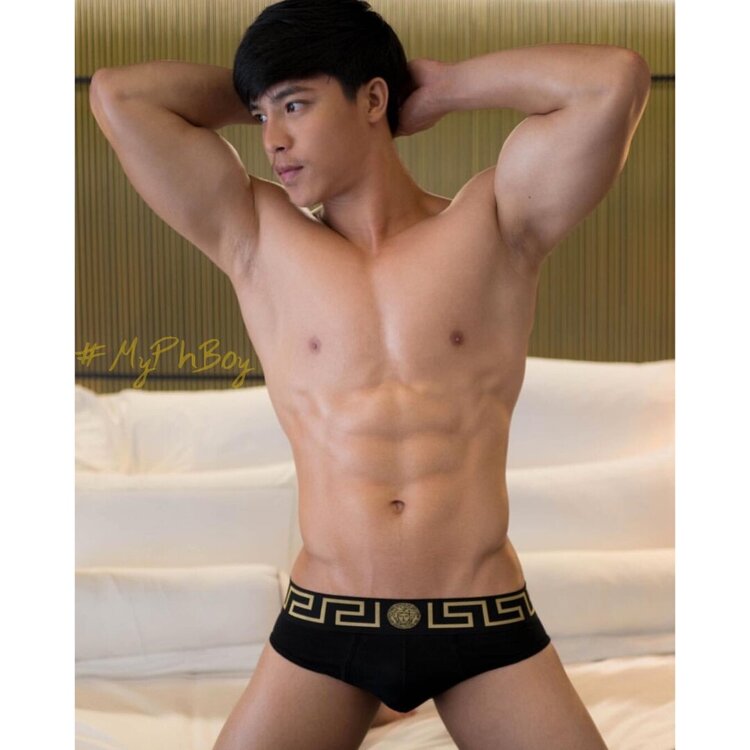
  8. Yes, he's sooo HOT!!! Ur welcome...and here's more...
  9. I highly suggest Male, model of Moonlight!!!

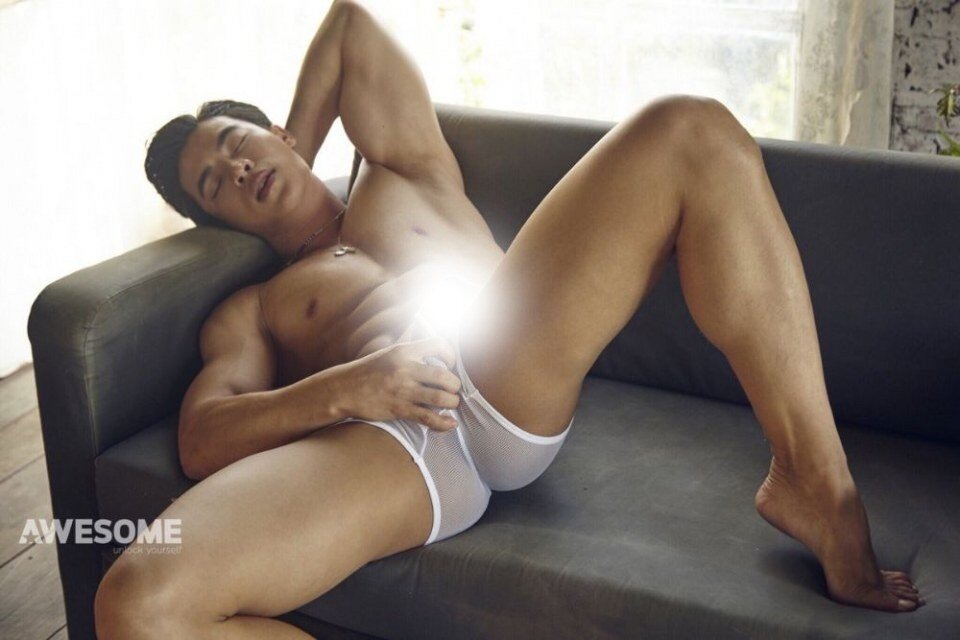
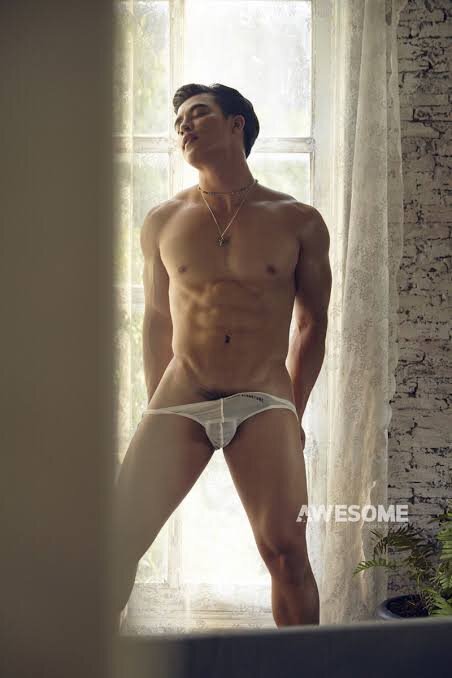
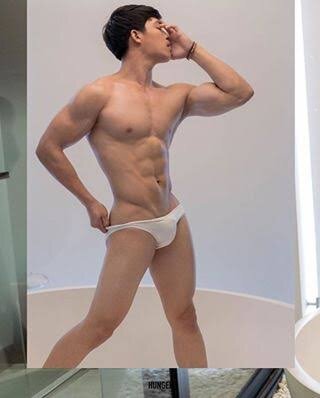
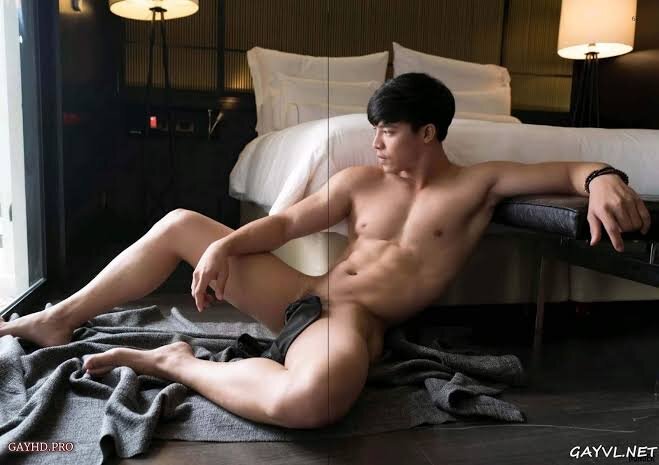
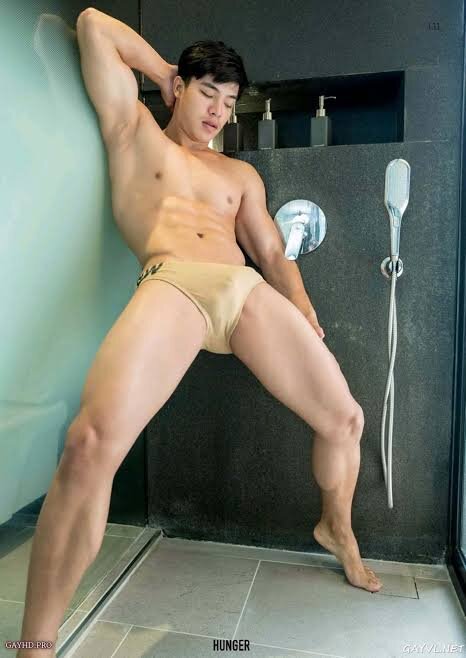
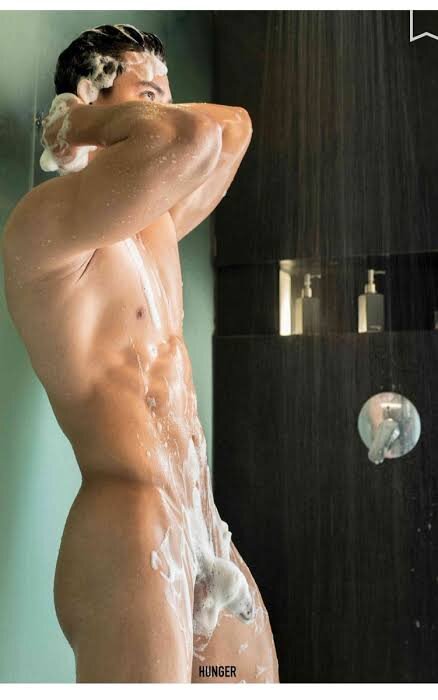
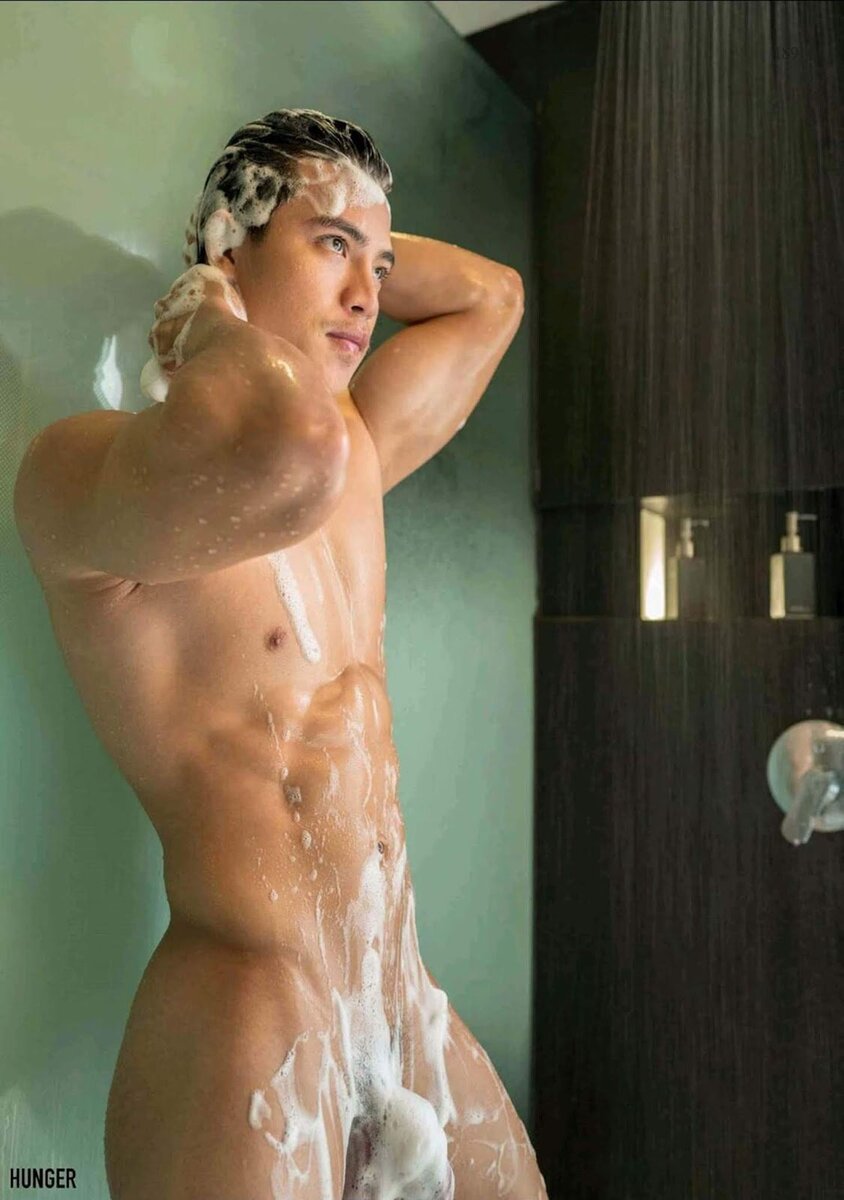
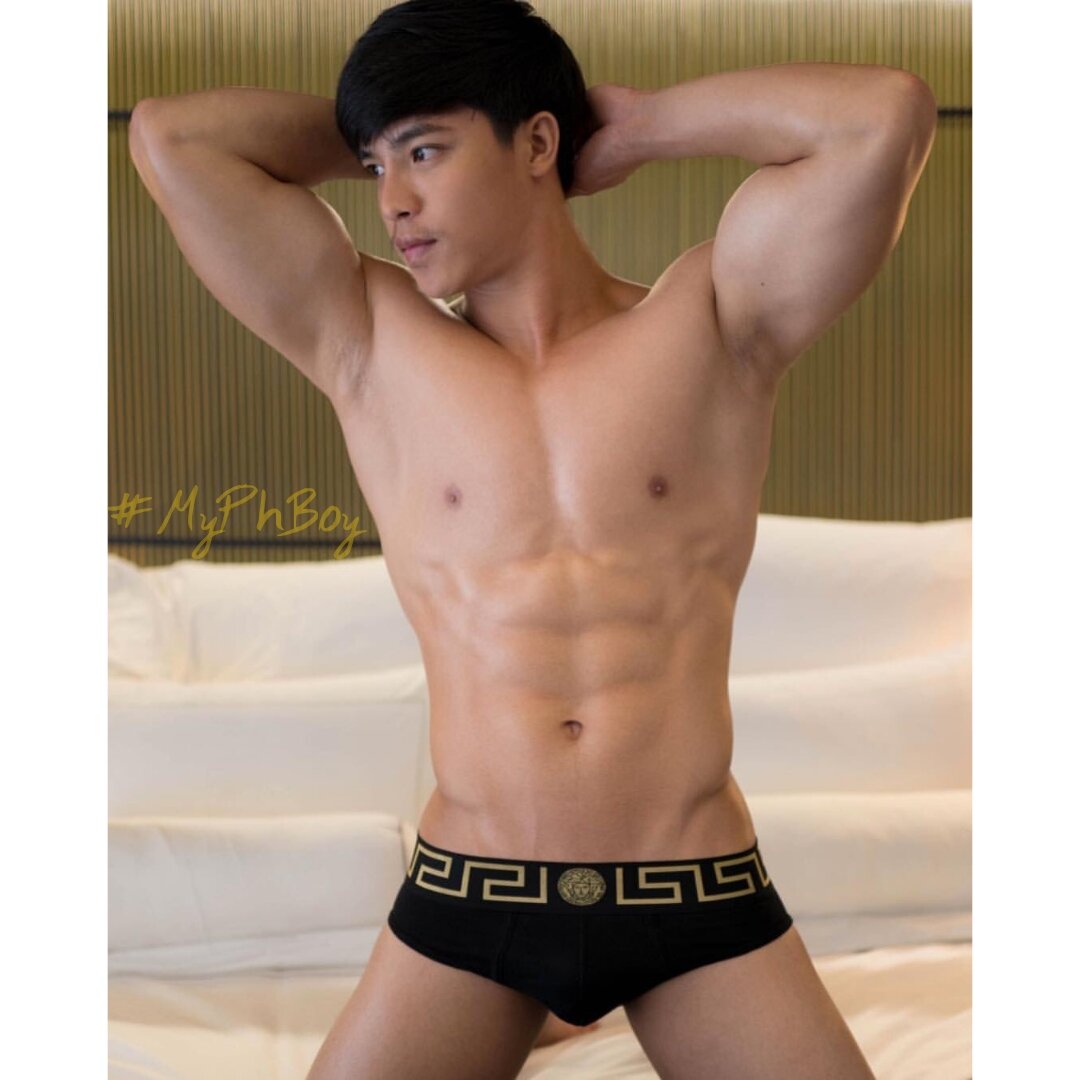
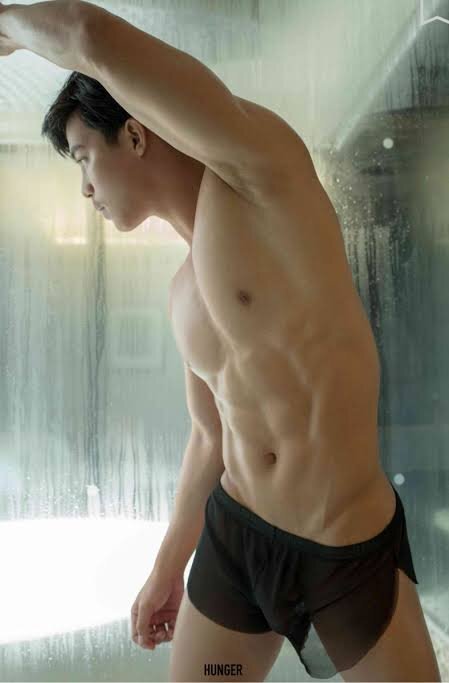
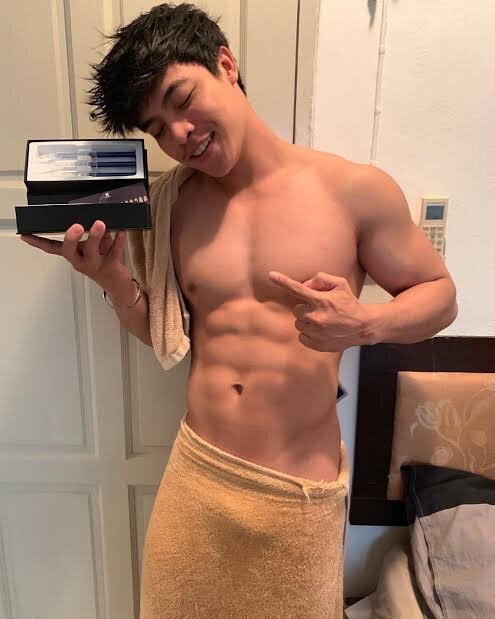
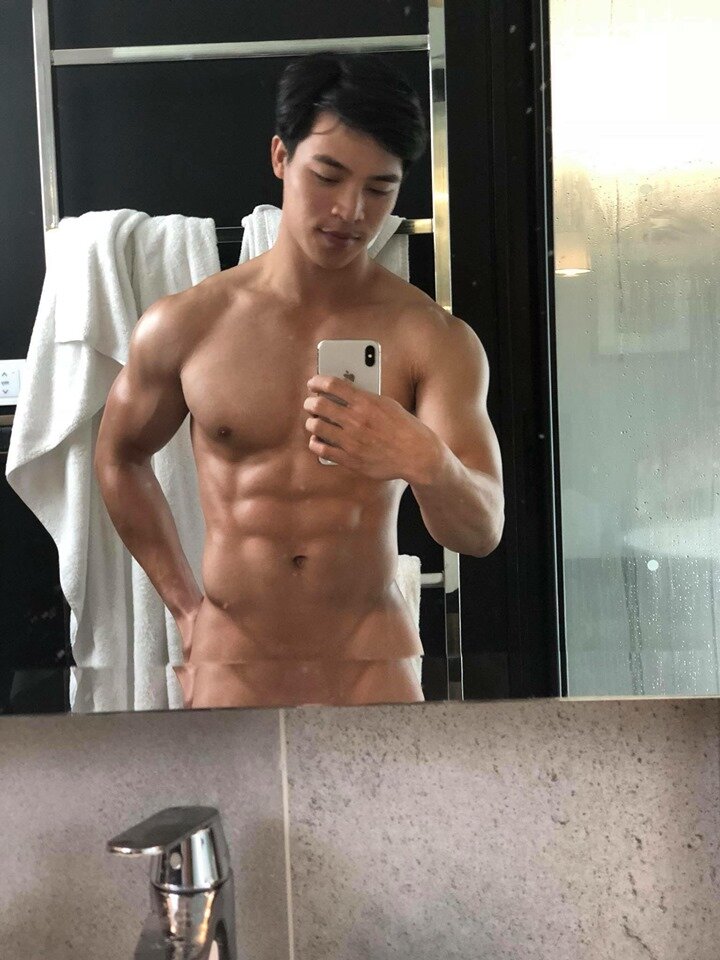
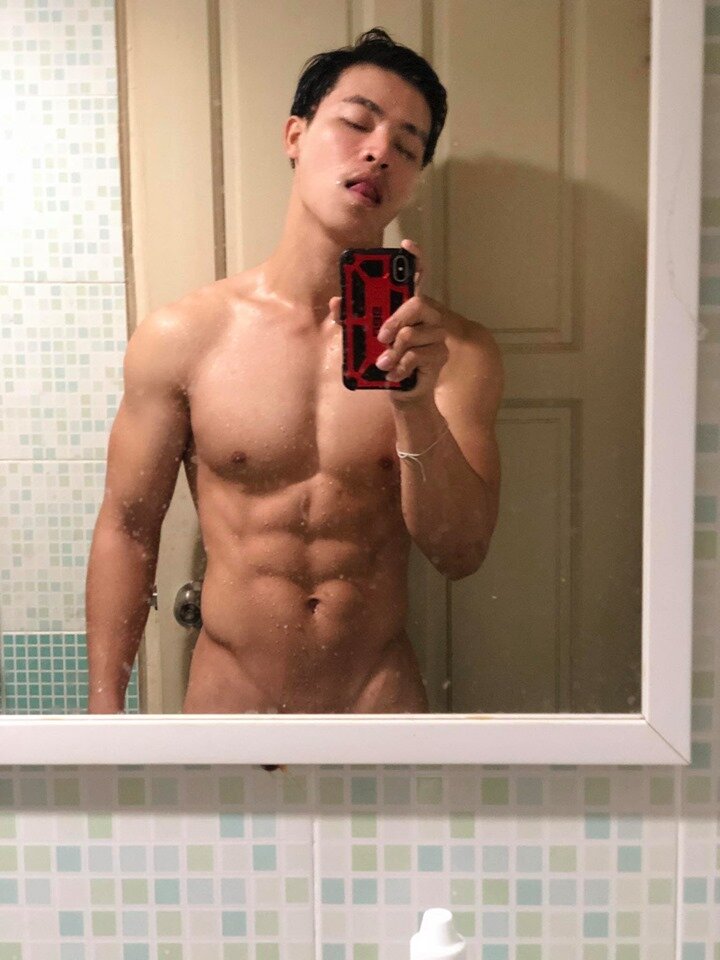
  10. So for those waiting for Jaab's naughty pics, enjoy!!!
  11. Me 2, I'll focus on his abs, pecs...and secret!!! Haa haa
  12. More naughty pics of Jaab soon!!! More 2 cum, I mean come, lol
  13. If only he will be regular in Moonlight, so far he's just a guest, but who knows, right? Will hire him if he's available, that's 4 sure!!!
  14. I hope Jaab will be a regular in Moonlight, lol
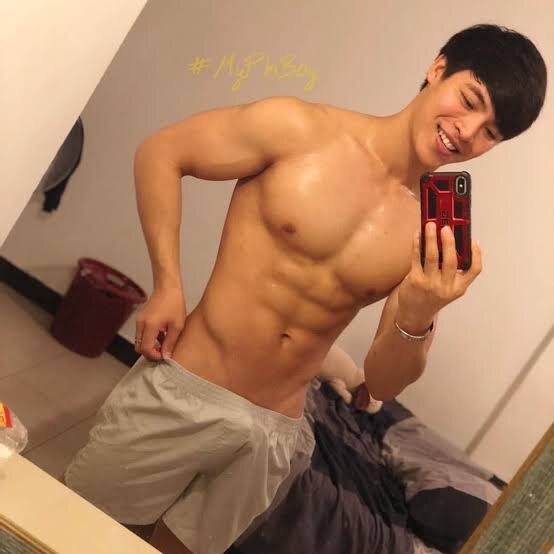
  15. There's more twinks 2 choose from...
  16. What??? Jupiter's choreographer is very good, as I saw him on their practice b4, he's such a perfectionist, I wonder why they hire Moonlight's???

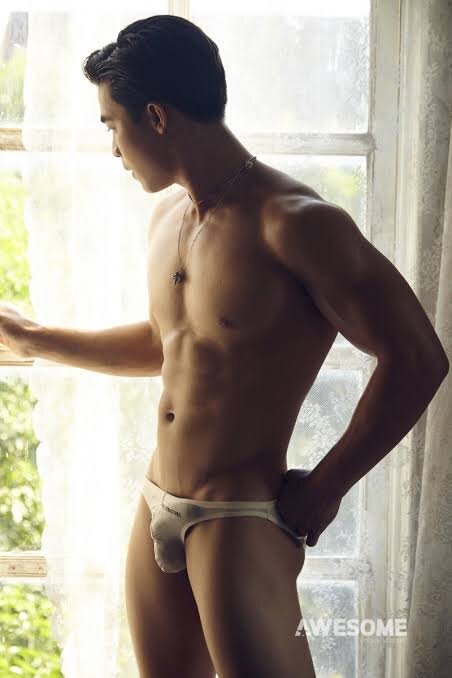
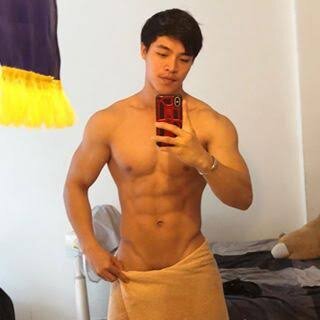
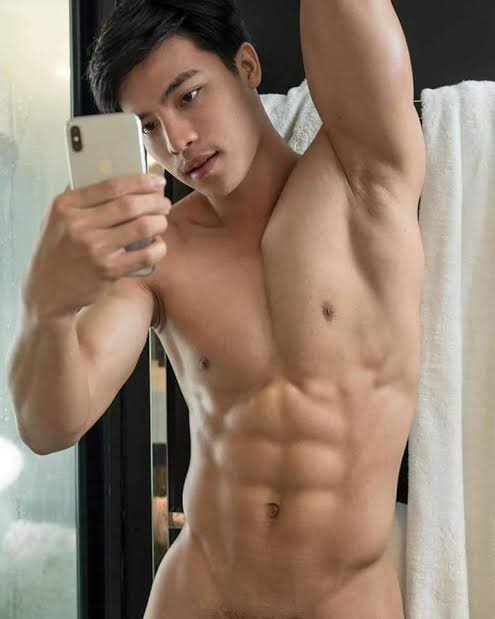
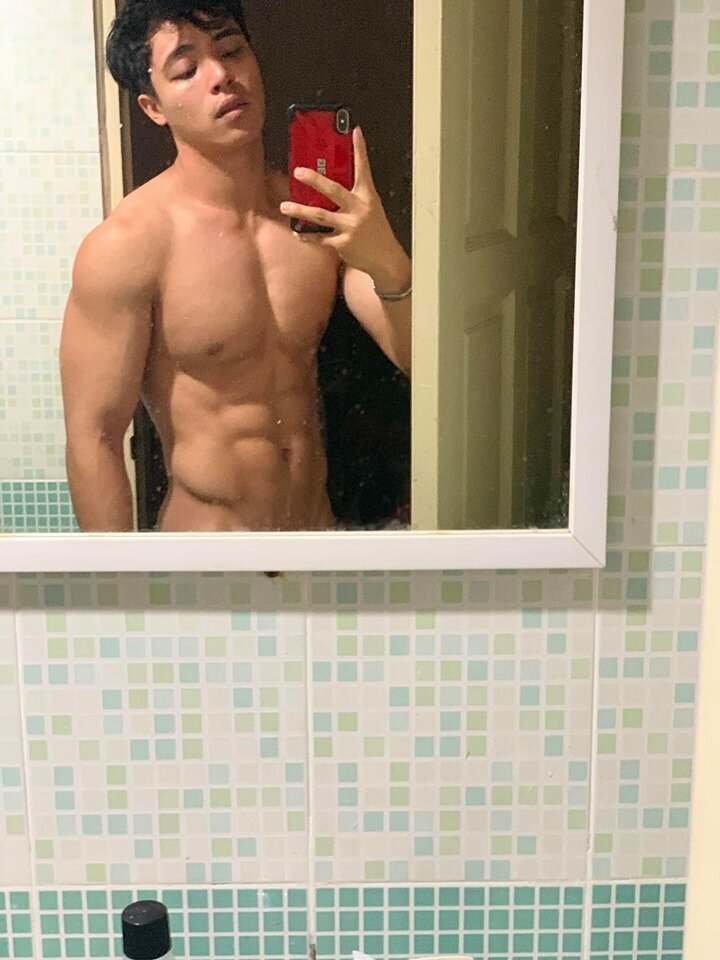
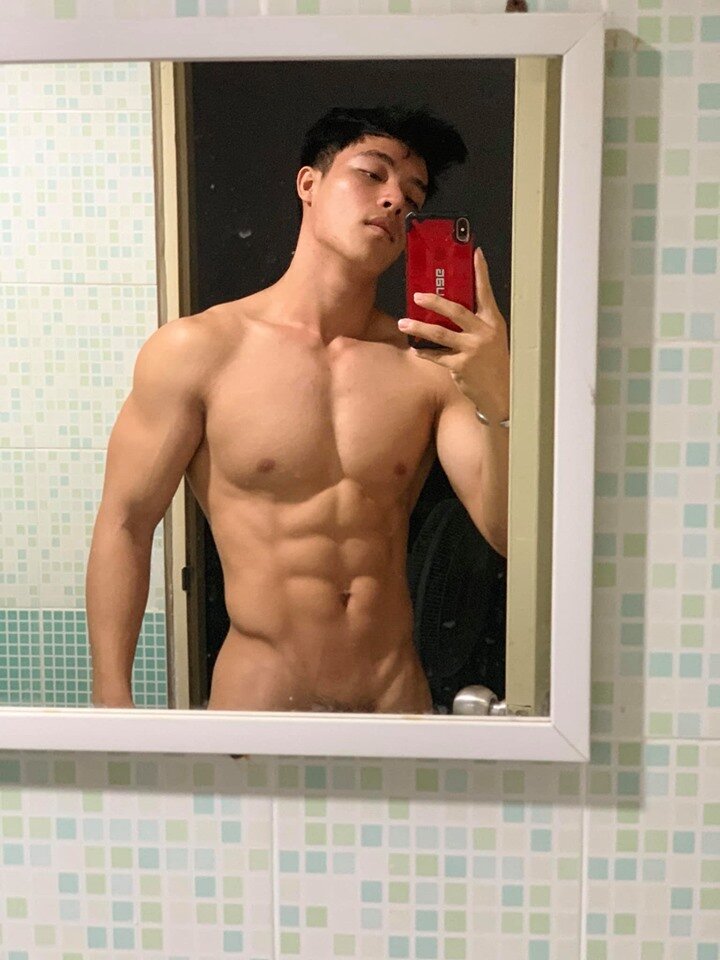
  17. 4 d enjoyment of everyone, here's Jaab's other pics, I like it when he admire his self in the mirror...

Account

Navigation

Search

Search

Configure browser push notifications

Chrome (Android)
  1. Tap the lock icon next to the address bar.
  2. Tap Permissions → Notifications.
  3. Adjust your preference.
Chrome (Desktop)
  1. Click the padlock icon in the address bar.
  2. Select Site settings.
  3. Find Notifications and adjust your preference.