Skip to content
View in the app

A better way to browse. Learn more.

Gay Guides Forum

A full-screen app on your home screen with push notifications, badges and more.

To install this app on iOS and iPadOS
  1. Tap the Share icon in Safari
  2. Scroll the menu and tap Add to Home Screen.
  3. Tap Add in the top-right corner.
To install this app on Android
  1. Tap the 3-dot menu (⋮) in the top-right corner of the browser.
  2. Tap Add to Home screen or Install app.
  3. Confirm by tapping Install.

snowcow

Members
  • Joined

  • Last visited

  1. This map will come in handy. Thanks!
  2. Ah this is a helpful thread. Thanks!
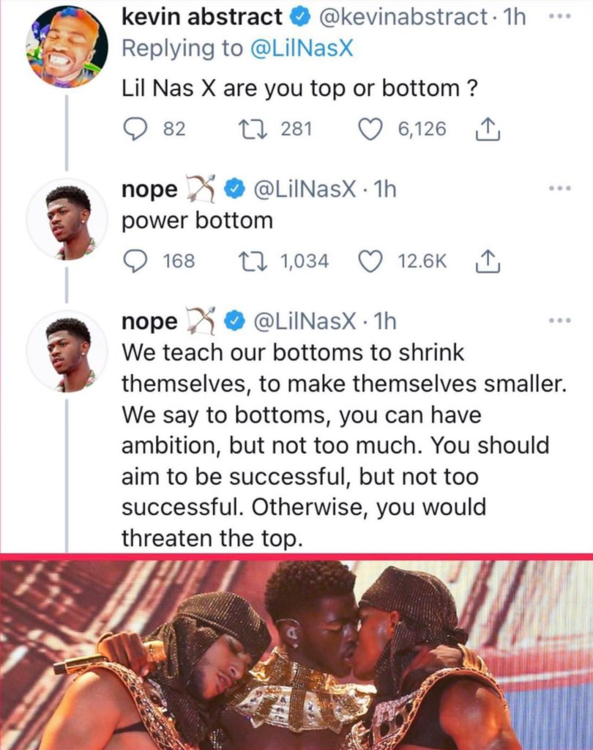
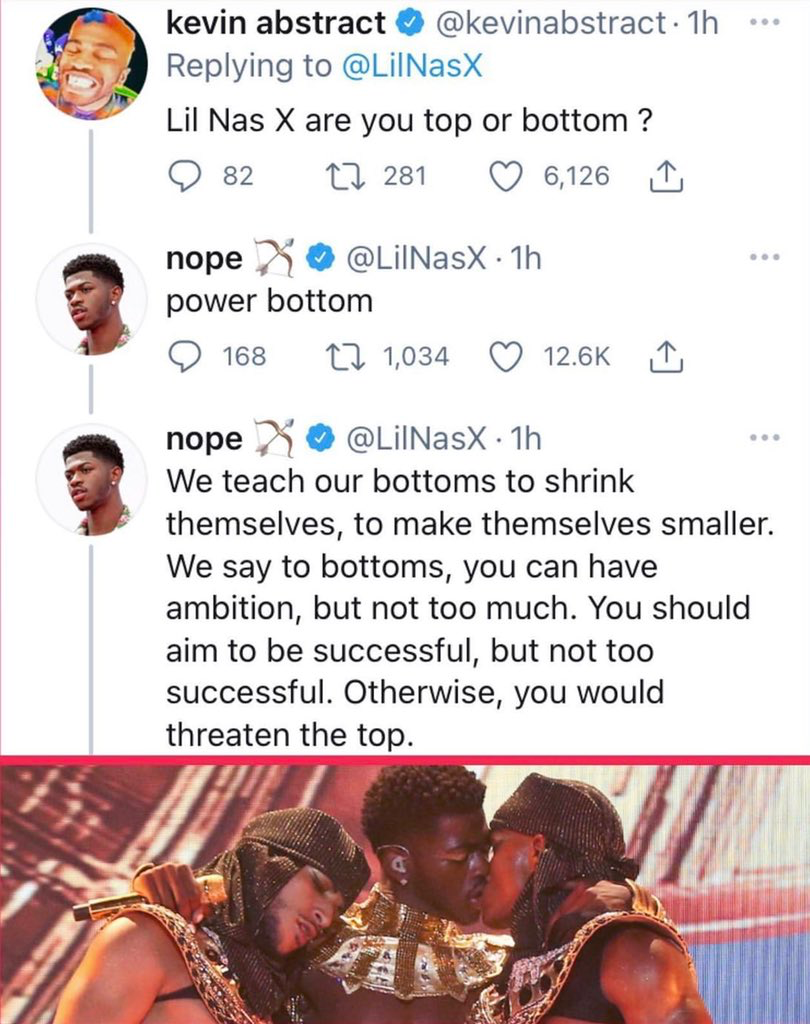
  3.    Latbear4blk reacted to a post in a topic: Lil Nas Humping Satan
  4. Booked a burning cruise to Alaska for September. Needed to get away but wanted to stay close to home. It’s 100% vaccinated so hopefully feels like the beforetimes. Would rather be on my way to Thailand but soon enough as vaccines start turning things around over there.
  5. He’s already a legend.

Account

Navigation

Search

Search

Configure browser push notifications

Chrome (Android)
  1. Tap the lock icon next to the address bar.
  2. Tap Permissions → Notifications.
  3. Adjust your preference.
Chrome (Desktop)
  1. Click the padlock icon in the address bar.
  2. Select Site settings.
  3. Find Notifications and adjust your preference.