alvnv
Members
-
Joined
-
Last visited
Everything posted by alvnv
-
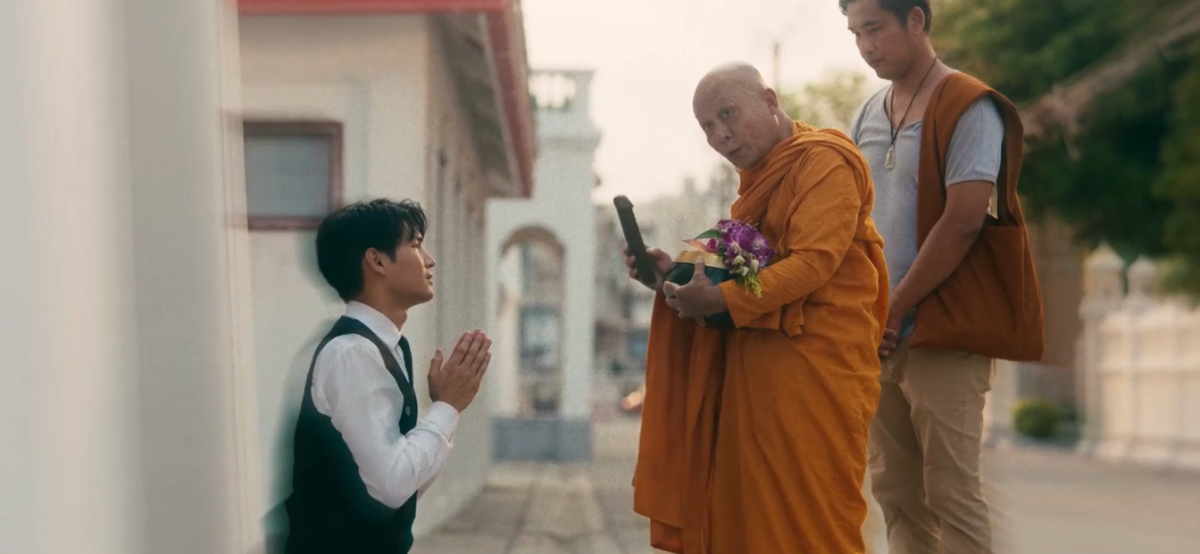
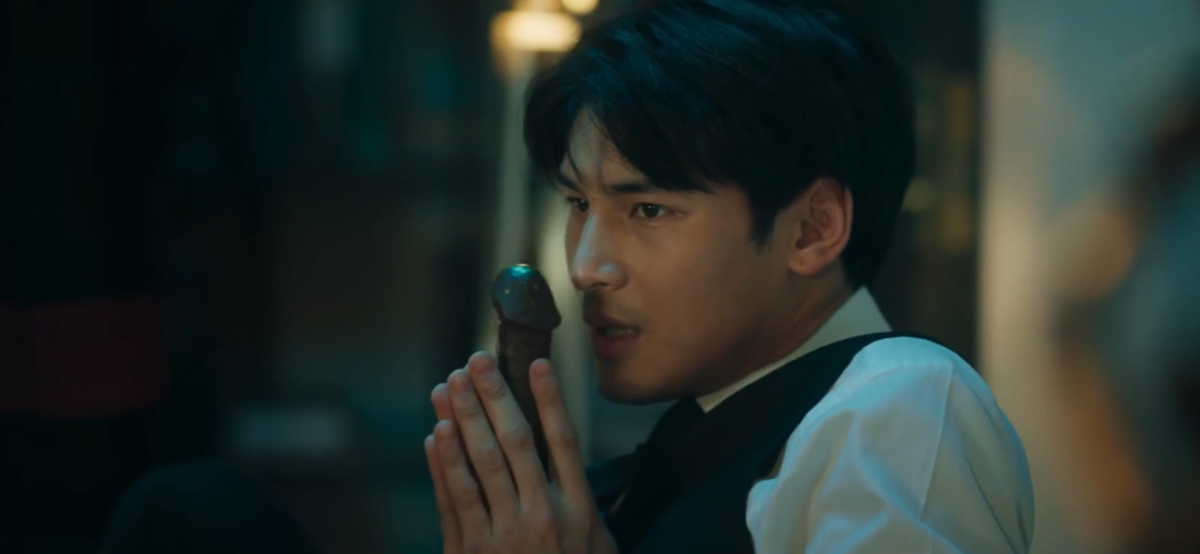
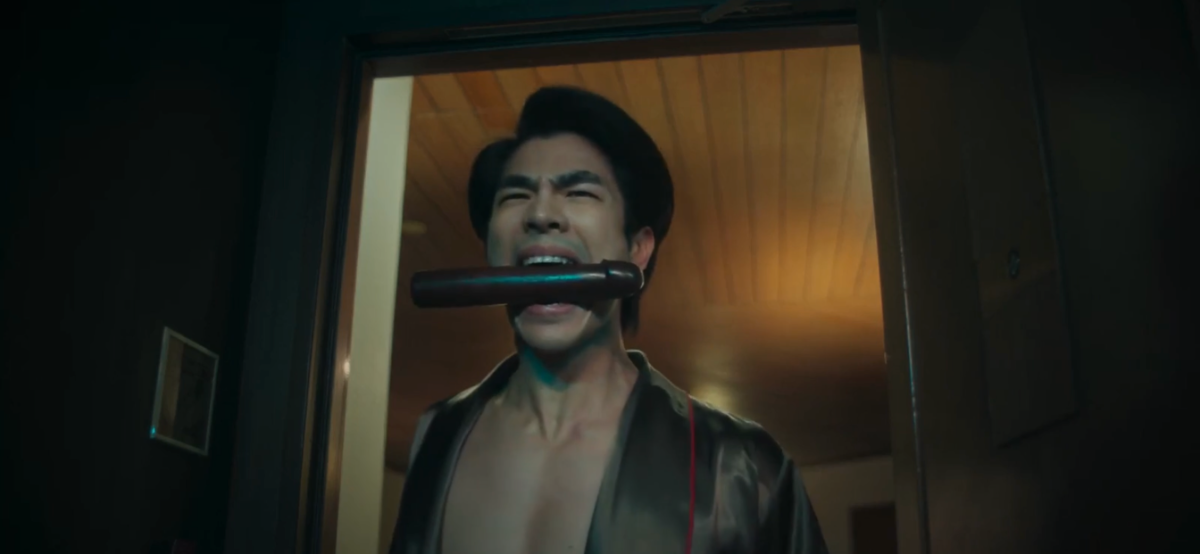
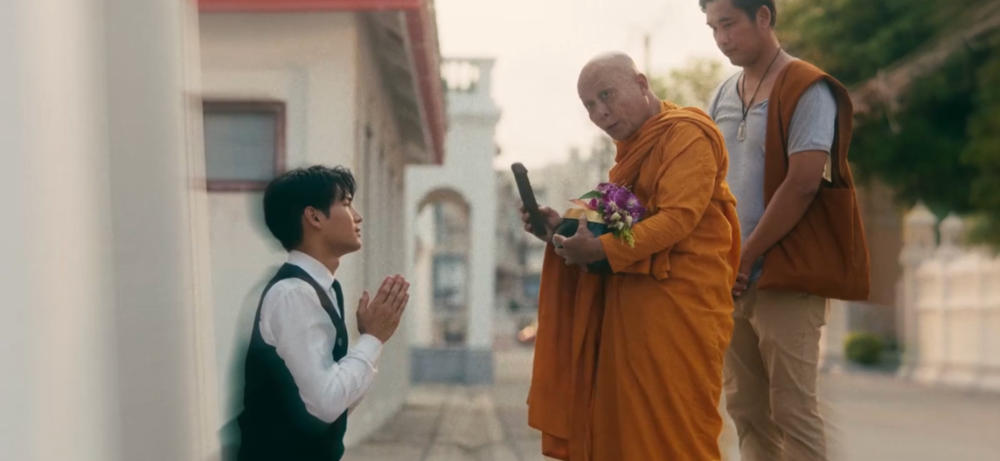
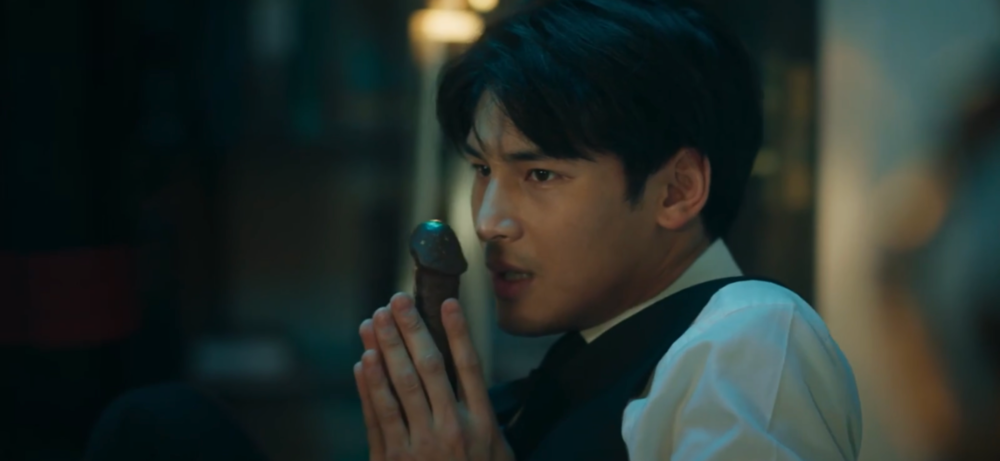
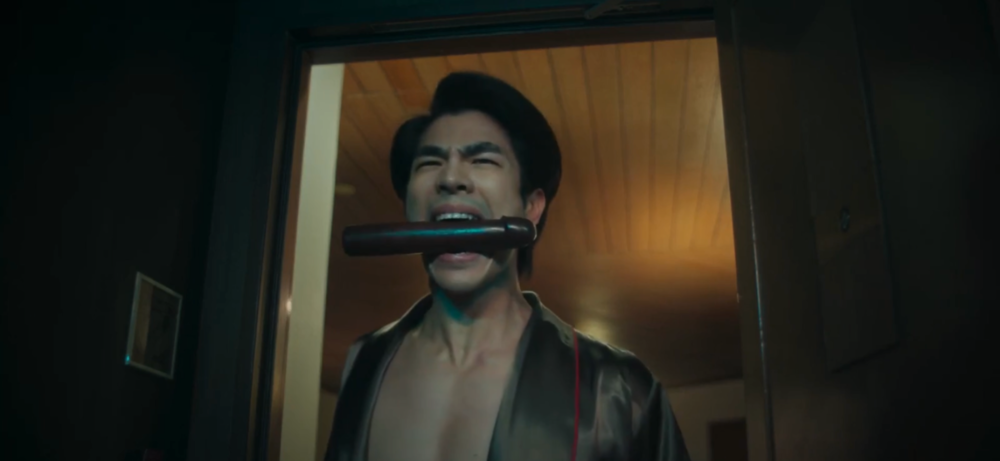
Holy Dildo: KinnPorsche Episode 8
-
I like his sense of humor. Do you communicate in English or Thai?
-
Yes! Can’t wait for My Engineer 2 - filming rumored to start later this Summer (as the actors are busy with other projects) followed by Bitter Sweet series - same cast but a different story.
-
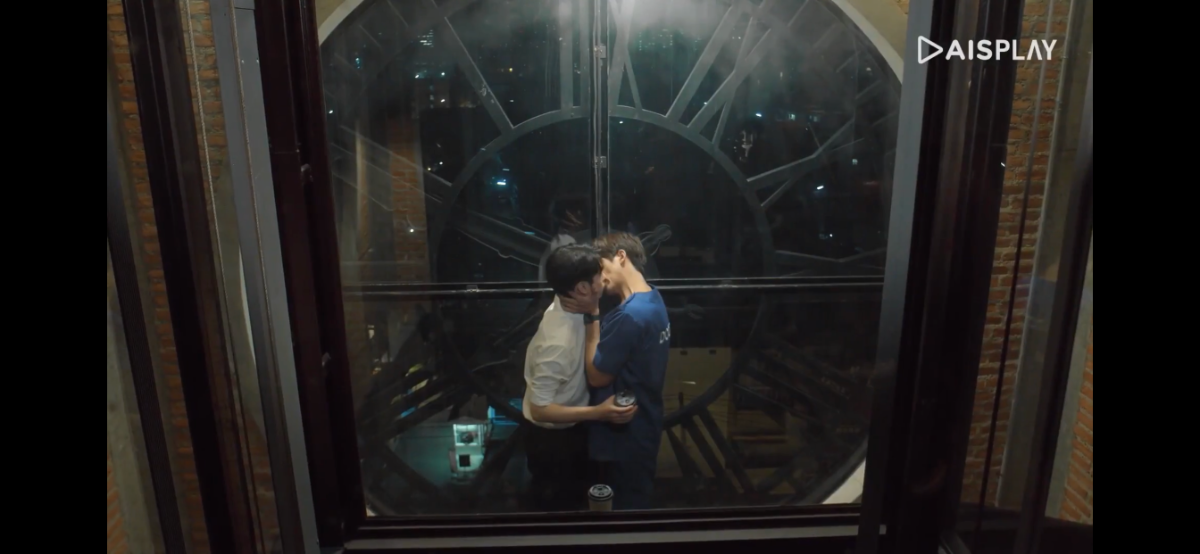
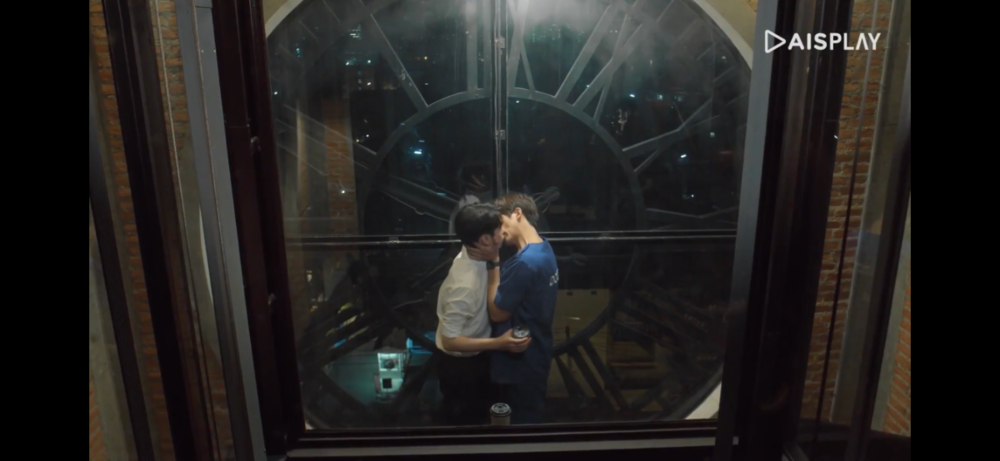
Closing scene features first kiss between Tae and Tee. Spoiler: Tae is a ER doctor stuck in a time loop trying to save Tee’s life.
-
MaxTul make cameo appearance as Tan and Dr. Bun in Triage Episode 4. Triage claims to be a BL medical drama but so far no romantic interests. Episode 5 of 13 airing today. Everything points to the main couple to be Tae (2 Moons, Hotel Stars, Paint with Love) and Tee (2 Moons, Hotel Stars, Miracle of Teddy Bear) with at least one other secondary couple. Another familiar face is Mild from What the Duck and TharnType series (Techno).
-
Another platform/app that offers some BL content: https://www.viki.com Limited selection (some free) but the list is continuously updated; no adds and streaming quality may make it worth checking it out.
-
This war will end Russia
-
https://www.gagaoolala.com/en/home has a trove of LGBTQ+ content
-
RIP
-
It gets much hotter in episode 4